Applications
Remove an app and review the files it left behind. Certain, likely, and possible matches stay separate, so a guess never looks like a fact.

EasySweep shows where your space went and removes only what you approve. Set precise rules once, and it keeps routine clutter under control. Higher-risk items remain outside unattended cleanup.
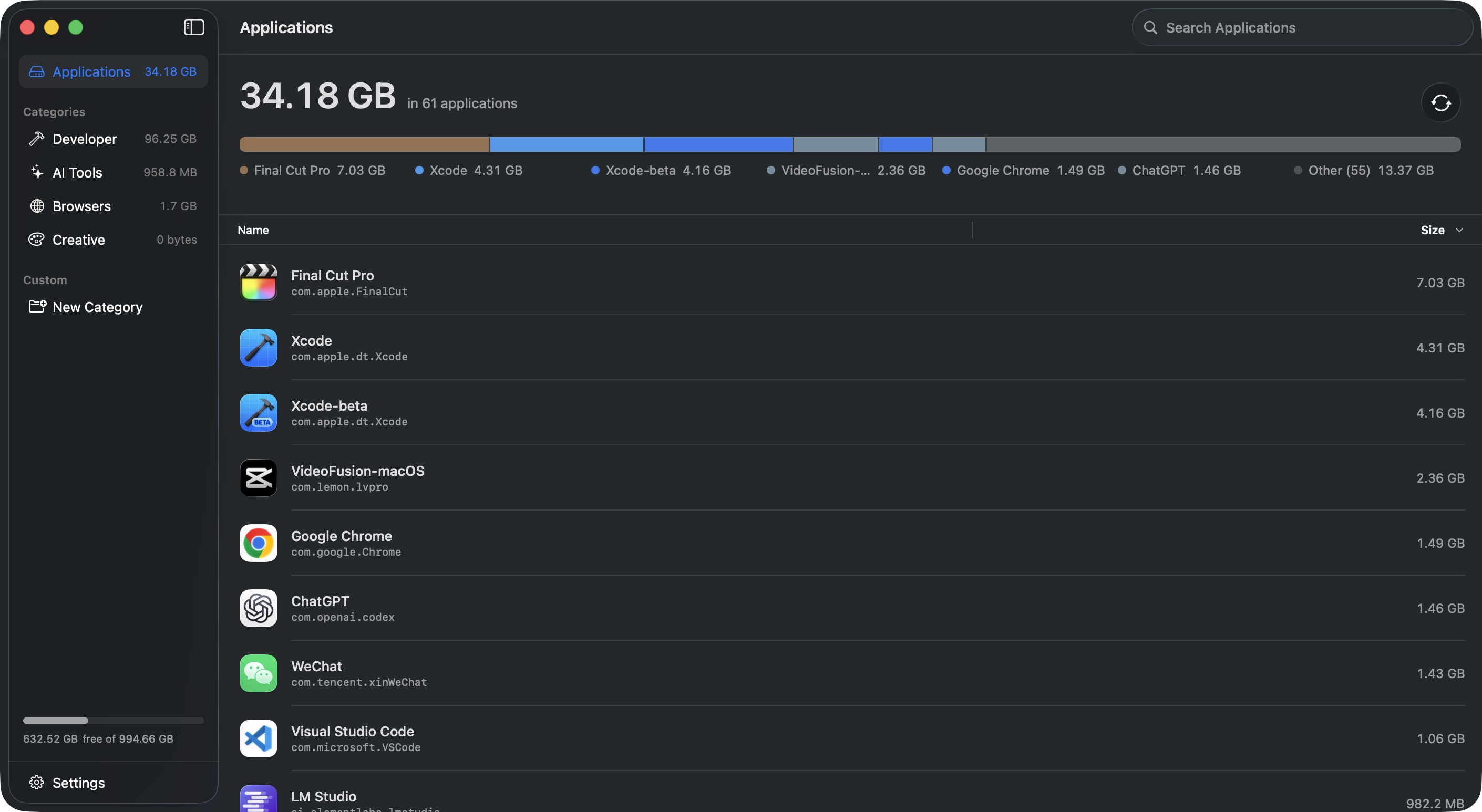
EasySweep brings scattered caches, downloads, old installers, and app leftovers into one clear view. Every item is measured and explained before you act — no vague health scores or catch-all recommendations.
Remove an app and review the files it left behind. Certain, likely, and possible matches stay separate, so a guess never looks like a fact.
Find old simulators, build files, device support, and package caches. Every item is listed separately, so you can keep the versions you still need.
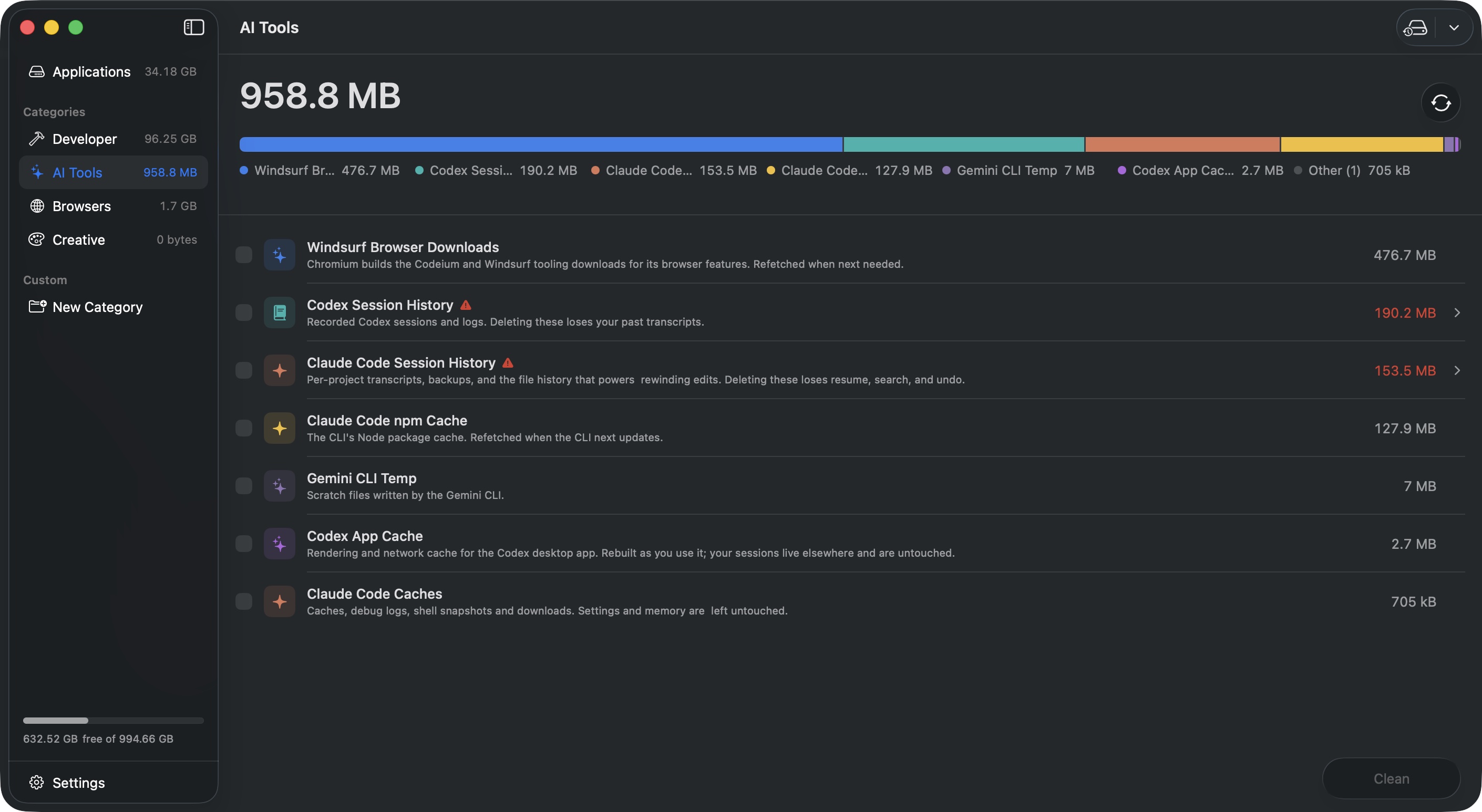
Review caches and downloaded models from popular AI apps. Credentials are never listed, and sensitive session history is clearly flagged.
Clear page and script caches from Chrome, Safari, Firefox, Edge, Brave, and Arc. History, passwords, bookmarks, and open tabs are never touched.
Review temporary media caches, previews, and scratch data from creative apps. Projects and exports are never listed for cleanup.
Review temporary macOS data, downloaded wallpapers, artwork caches, and logs that can quietly accumulate over time.
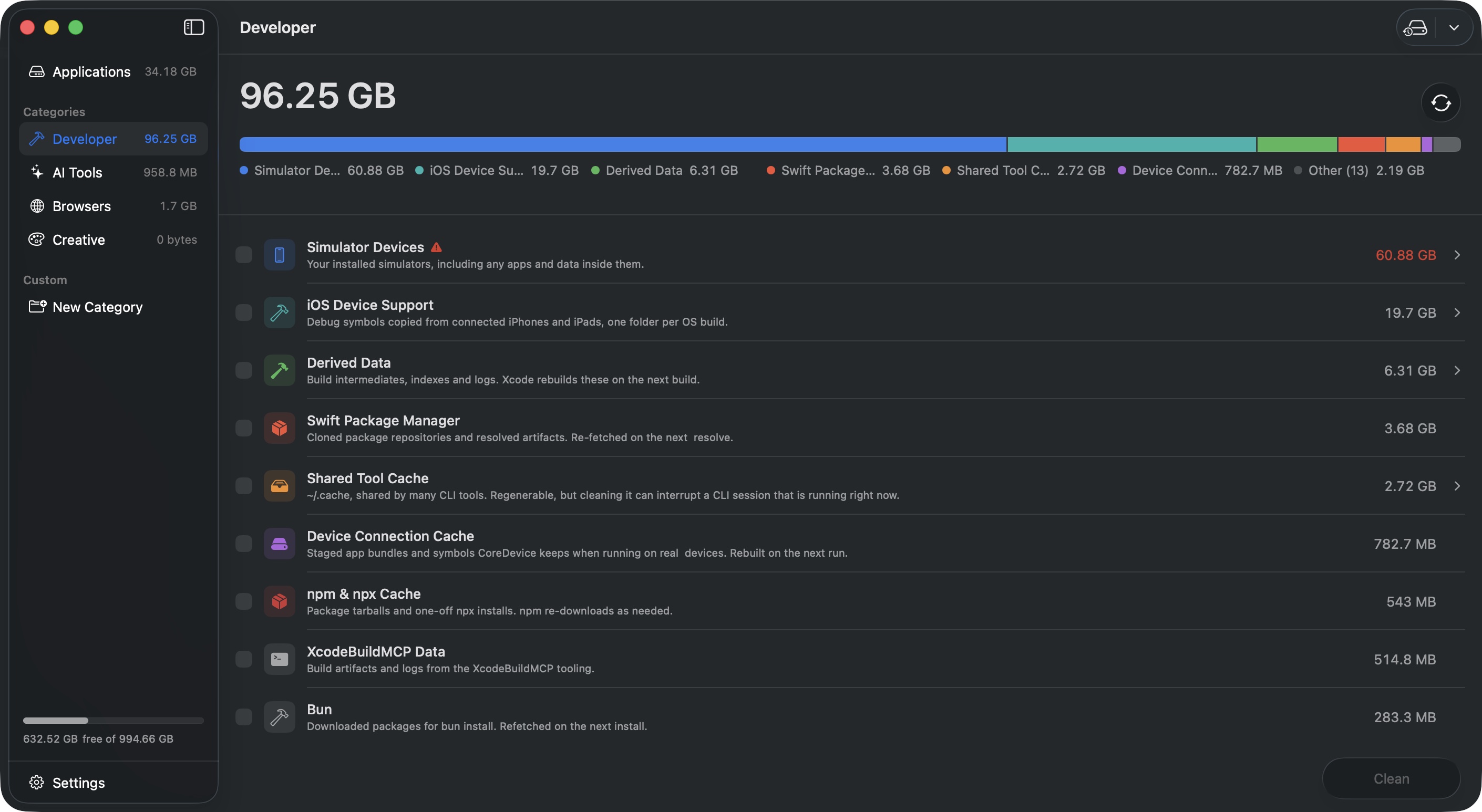
Decide what to watch, when cleanup should run, and how much to keep. EasySweep acts only when your conditions are met and records exactly what changed.
Choose your minimum free-space level. EasySweep monitors it from the menu bar and alerts you before a full disk interrupts your day.
Clean a cache when it grows past the limit that makes sense for it — not one blunt rule for your entire Mac.
Remove everything or only files older than a day, week, or month. Recent work can stay exactly where it is.
If a related app is running, unattended cleanup waits instead of removing files from underneath it.
Archives, session history, and simulator devices are excluded from automation, regardless of the rule.
Track space reclaimed by date, item, and cleanup type, with a history of manual and automatic runs.
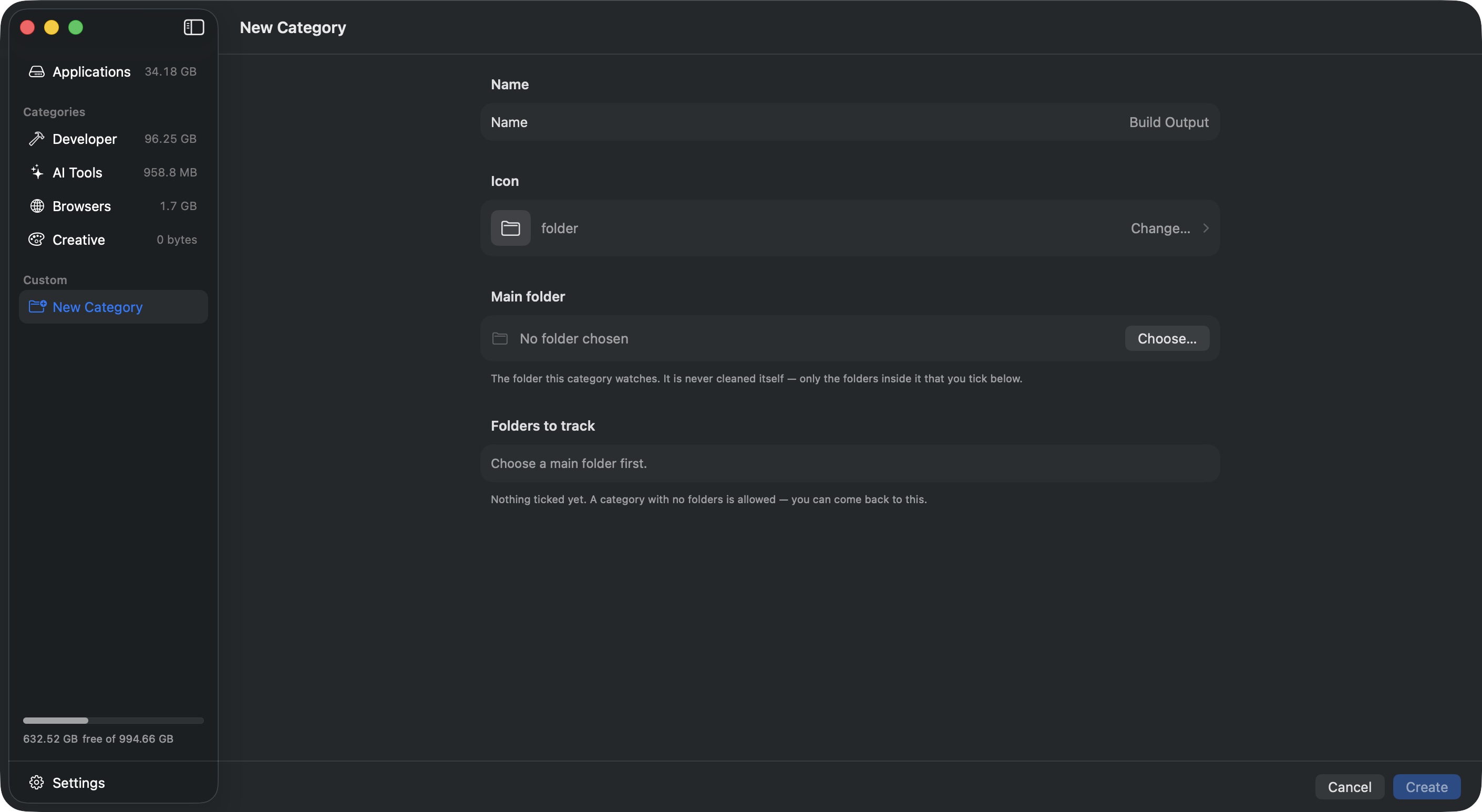
EasySweep checks again at the moment of deletion, separates certainty from guesswork, and reports what it cannot access. These safeguards live inside the cleaning engine, so a button or automation rule cannot quietly bypass them.
Every location is verified again when cleanup begins. If a path has changed or points somewhere unexpected, EasySweep refuses it.
Related files are grouped by match confidence. Uncertain matches remain visibly separate and never become automatic choices.
Apps, discovered installers, and possible leftovers move to the Trash, so you have a way back if a match was not what you expected.
If EasySweep cannot read a folder, it says so and points to Full Disk Access instead of pretending there is nothing there.
No telemetry, crash reporting, or background data collection. EasySweep does not collect or send information about you or your Mac.
Anyone can inspect where EasySweep looks. Catalogue updates are reviewed and pinned to a specific version before they reach the app.
No account, no trial, no nag screens
One-time purchase. Not a subscription.
Works with the free app. Install it, then paste your key into Settings → Licence.
The direct download can scan most locations immediately; macOS may still require Full Disk Access for protected folders. The Mac App Store edition is in review — sandboxed, so it asks for your home folder once and may not be able to remove an app bundle itself — and its Pro upgrade is an in-app purchase tied to your Apple Account, with no device limit. Compare permissions on the support page.
Scanning changes nothing. See what is using your space, understand why it is there, and remove only what you approve.